“We have a backup” is reassuring. “We know how to restore it” is better.
For a business website, the difference matters. A backup might be out of date, missing important files, or stored in the same account you can no longer access. Even a complete copy takes time and care to restore.
A practical protection plan brings together three things: security to reduce the chance of an incident, backups to preserve your information, and a recovery plan to guide the response when something goes wrong.
Security, backups and recovery do different jobs
Think of them as three questions:
- Security: How do we reduce the chances of someone gaining access or damaging the website?
- Backups: What copies do we have if content, files or settings are lost?
- Recovery: Who will get the website working again, using which copy, and how will we check the result?
You need all three. A firewall cannot recover an accidentally deleted page, and a backup cannot stop someone using a stolen administrator password.
Protect more than the WordPress login
Your website depends on several accounts: WordPress, hosting, domain registration and often an email account used for password resets. Backup storage is another account worth protecting.
Use unique passwords and enable multi-factor authentication where available. This adds another check beyond the password. Keep recovery codes somewhere secure that you can reach if your usual device is unavailable. The Canadian Centre for Cyber Security recommends multi-factor authentication for important accounts. Read its baseline security guidance.
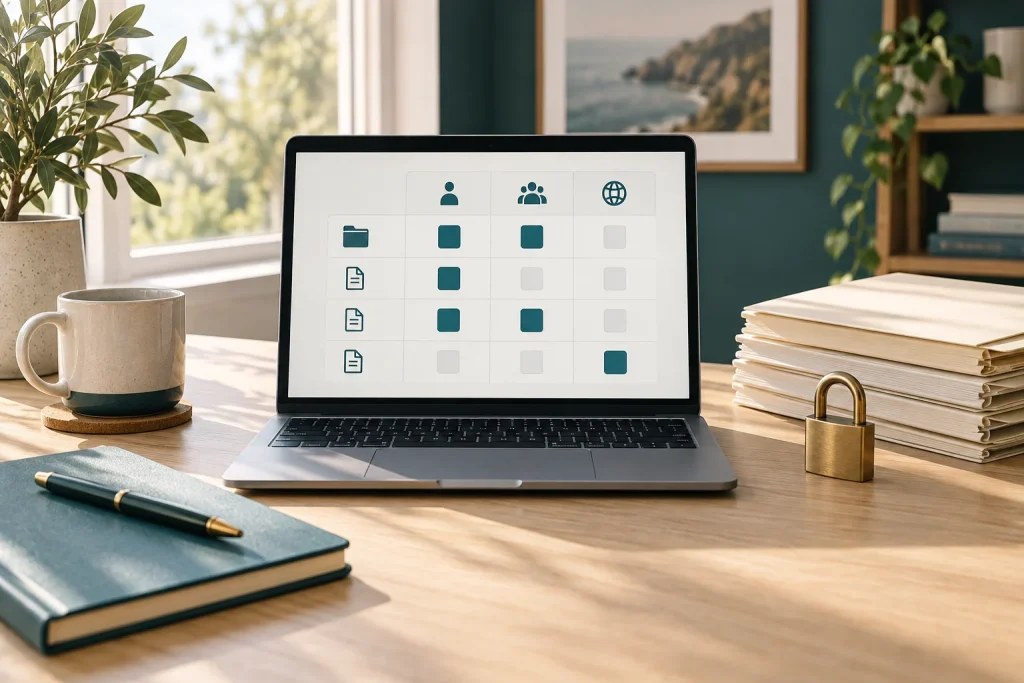
Give each person their own login and only the access their work requires. Someone writing articles may not need permission to install plugins or manage other users. Review access when responsibilities change.
Keep WordPress, themes and plugins maintained, and use software from trusted sources. A security plugin or firewall can be one layer of protection, but it does not remove the need for updates or careful account management. WordPress’s security guidance explains this layered approach.
Know what your backup actually includes
A complete WordPress recovery normally needs both the database and the website files. The database contains information such as posts and settings; files include images, themes and plugins. WordPress explains these backup components.
Ask your provider or whoever manages backups:
- Are both files and the database included?
- How often are copies made, and how long are older versions kept?
- Where are they stored, and who can access them?
- How are backup failures reported?
- Is restoration included, and are there limits or additional fees?
A plugin being installed does not prove that backups are completing. Check for a recent successful backup and confirm that the files are available.
Keep a copy separate from the website
If the website and every backup sit in the same hosting account, losing access to that account could leave you without either.
Keep a protected copy in a separate location, with access controls appropriate to the information it contains. For additional resilience, discuss offline copies or storage that prevents backups being changed or deleted during a chosen retention period. A second folder on the same server is not the same as an independent backup. The Cyber Centre’s ransomware guidance discusses protecting and testing backups.
Website backups may contain enquiries and other personal information. Restrict access and decide how long copies should be retained; do not leave downloadable archives in a public website folder.
Decide how much you could afford to lose
Start with two business questions:
How much recent information could we recreate? If a site is backed up once a day, information added since the latest successful backup may be missing after a restore. A shop taking orders throughout the day may need more frequent protection than a website updated occasionally.
How long could we manage without the website? Restoring a backup is only part of recovery. Someone also needs access, time to investigate the problem and a way to check that the restored site works.
Agree on realistic targets with your provider. Treat them as goals to plan and test, not promises that every incident will be resolved within a fixed time.
Write a short recovery plan
A small business can start with one page. Record:
- Who to contact: Your host, website maintainer and the person authorised to make decisions.
- Where access is kept: How authorised people can reach account details and recovery codes securely. Do not put passwords in an openly shared document.
- Where backups are stored: Include who can retrieve them and how to identify the right version.
- What matters first: For example, restoring enquiries or checkout before less urgent features.
- How to communicate: Keep a contact route available that does not depend entirely on the affected website.
- What to verify: Pages, images, logins, forms, email delivery, payments where applicable, and privacy controls.
The Cyber Centre identifies a documented incident response plan as a useful foundation for smaller organisations. See its recommended security measures.
Test recovery before you need it
Arrange a restoration test in a separate, protected environment. Check whether the backup opens into a functioning website and record how long the process takes.
Prevent the test copy from sending real customer emails, accepting payments or exposing private information. A working homepage alone does not prove that the rest of the site has recovered.
Keep more than one backup version. The newest copy may already contain a problem that went unnoticed. Also remember that restoring an older database can overwrite newer orders, enquiries and edits; those need consideration before restoring the live site.
If you suspect the site has been compromised
Contact your host or a qualified website security specialist promptly. Record what you noticed and when, and ask them to preserve relevant logs and evidence before making destructive changes.
Avoid repeatedly restoring backups without investigating how access was gained. Recovery may require a known-clean copy, removal of malicious changes, fixing the entry point and securing affected accounts. A restored page is not proof that an attacker’s access has ended.
If personal information may be involved, obtain advice about the reporting and notification obligations that apply to your situation.
Start with a recovery conversation
Ask whoever looks after your website: “When was our last successful backup, where is the separate copy, and when did we last test a restore?”
The answers will give you a more useful picture than a list of installed plugins. Our website maintenance guide explains how routine checks fit into ongoing care.
If you would like help reviewing your website’s maintenance and backup arrangements, contact Econoweb Designs. We can discuss the support you need and clarify who is responsible for each part.